
HERE ARE THE DIRECTIONS TO ADD INDIVIDUAL PODCASTS FOR PLUS MEMBERS WHO SIGNED UP VIA SUPPORTING CAST
1) Login here: https://spookystudio.supportingcast.fm/subscription and enter your email in the login, if not automatically recognized. Click the verification link sent to your email.
2) On desktop or laptop:
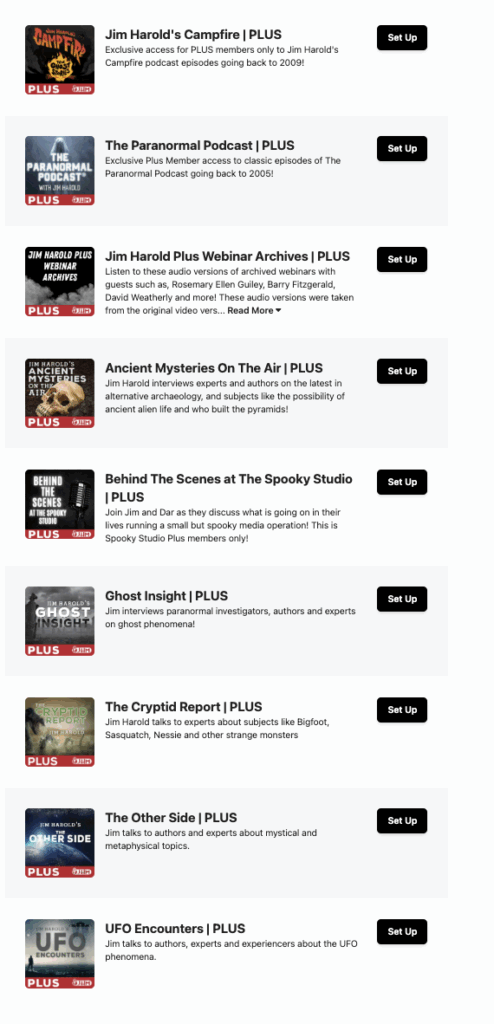
Browse available shows and click Set Up for your desired show.
Note: ADD EACH PODCAST YOU WANT TO ACCESS INDIVIDUALLY
From the next page, you can click the Spotify, Apple, or YouTube Music icons to add to your computer.
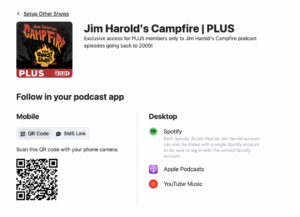
For mobile devices:
Scan the QR code with your phone OR enter your phone number to receive a text link for adding your feed.
3) If already on mobile when signing in:
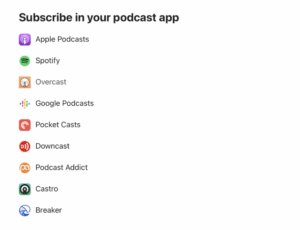
Tap your favorite podcast app to subscribe.
Your podcast player will open with the premium version. Confirm to add it to your library.
4) Listen!
The premium feed appears as a new icon in your library. Delete the regular version if previously subscribed.